Unlock the submarine and choose the first region
The opening objective sends the turtle to unlock the submarine. In the skill tree, choose the submarine node and follow the displayed upgrade control. The recording then shows the node completed and the submarine available at the dock.
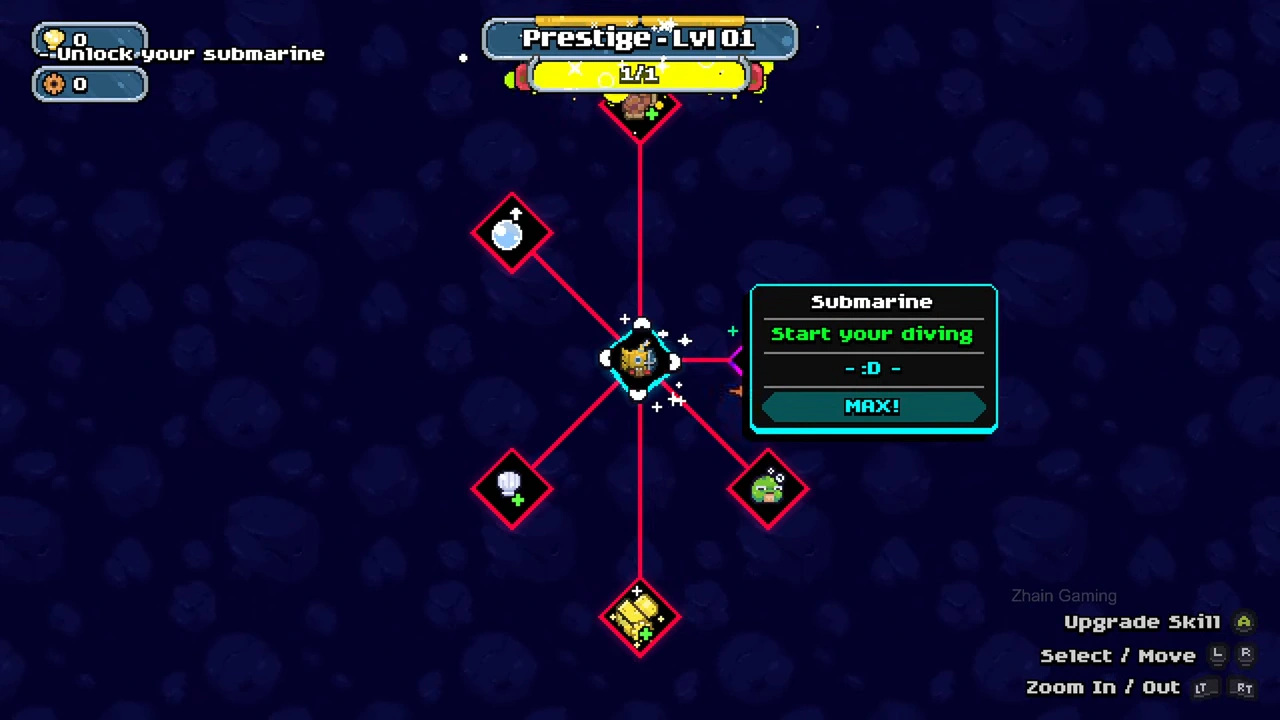
Choose a short first expedition
Go to the docked submarine and open the region selection. Ocean Shallows at 100 m is the available starting destination in this run. Select it and confirm with the green check. The two deeper choices visible beside it are locked.
Catch, then return before the warning becomes critical
Aim the bubble tool at the pink jellyfish. Captured jellyfish appear in the lower-left inventory; the example carries four before that inventory shows Full. The oxygen warning explicitly sends the player back to the submarine. Swim back to it; the next screen summarizes the expedition.
Unload at the shop and collect from the chest
Back on shore, walk to the shop under the SHOP sign and follow the delivery prompt. The jellyfish appear above the shop while sales proceed. The chest immediately to its left holds the proceeds: approach it and use the interaction shown for your controls. Delivering a catch and collecting the money are separate actions.
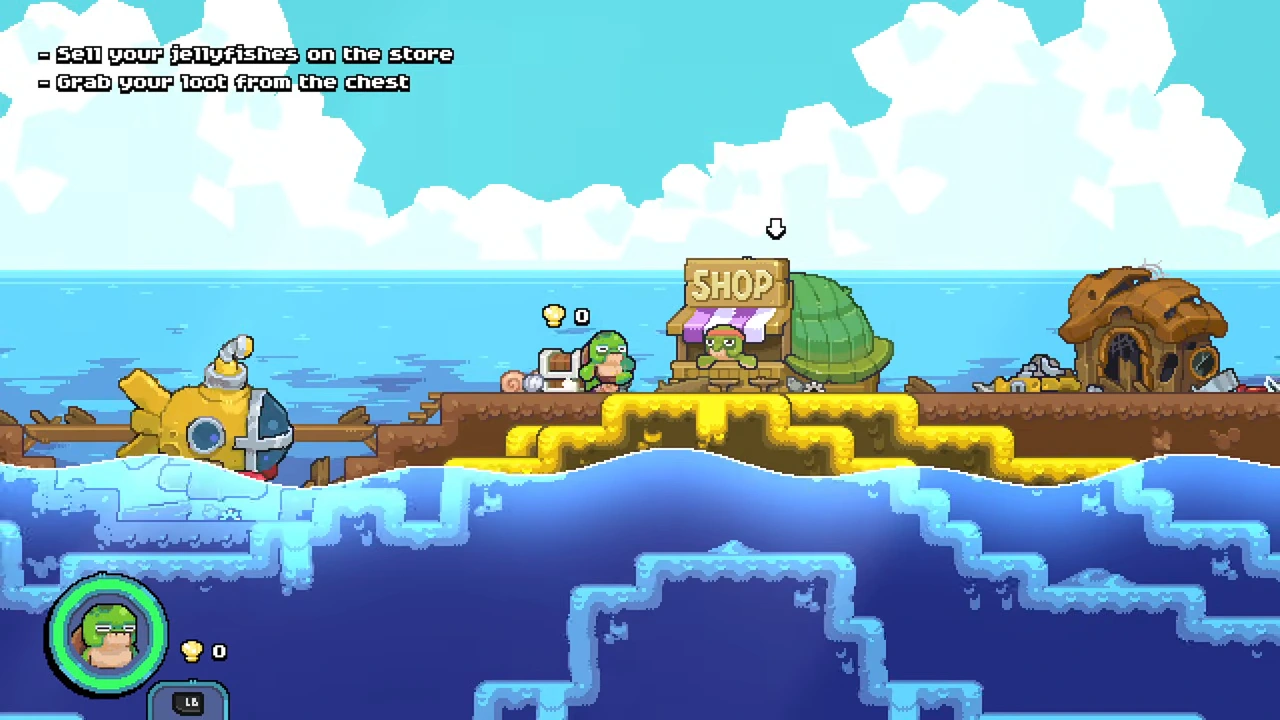
Spend the collected shells
After this first batch sells, the recording shows 40 shells. The Plasma Gun node costs 20 in that state. Selecting its upgrade changes the balance to 20 and the node to completed. This is a concrete first purchase demonstrated in the video; it is not a claim that every upgrade should follow this order.
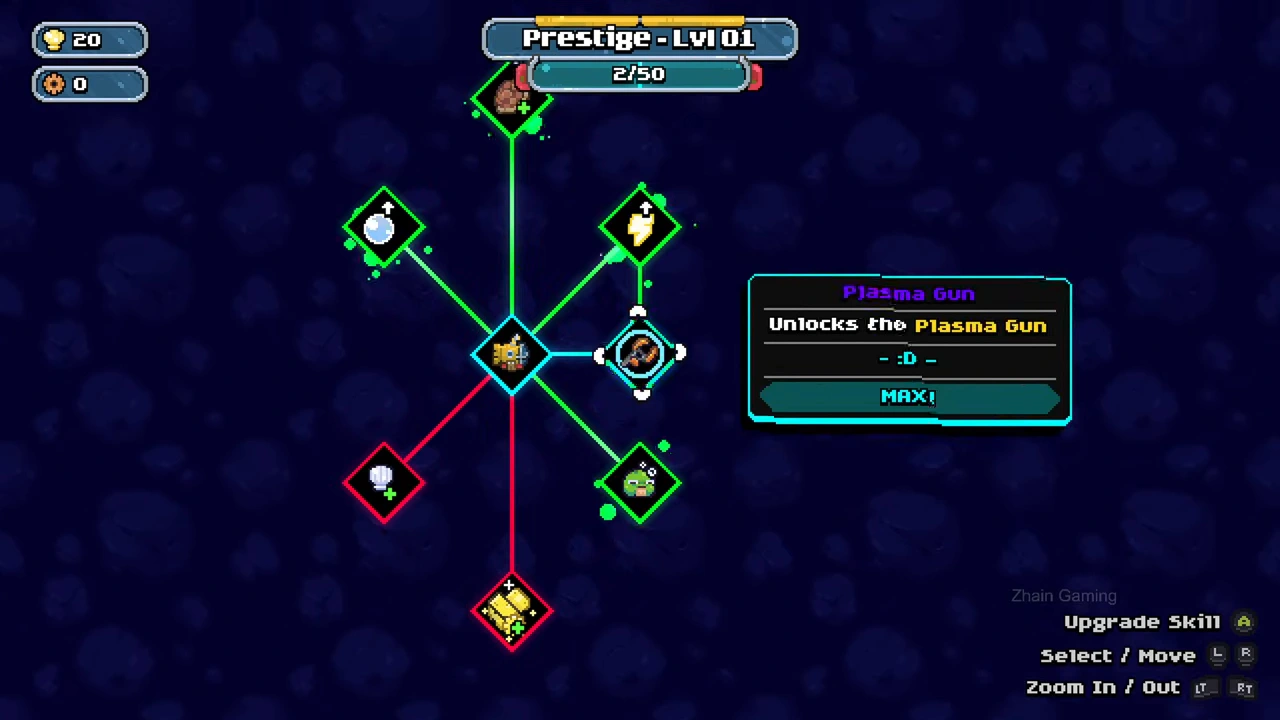
Return to sea with the unlocked tool
The next expedition has a second tool slot and a resource-cutting beam. Use the current prompts to aim and fire it at scrap. Shells fund some upgrades while collected scrap is a separate resource, so read the icon and cost on the specific node before buying.