Find the bubble tool in the HUD
The first official dive image shows a bright yellow gun icon at the lower right. The counter above that selected icon reads 09/18, while the other tool has a separate 30/30 counter. These are this frame’s values; the image does not label a reload key.

Aim at the resource the tool collects
The developer identifies jellyfish as the bubble gun’s targets. The screenshot shows bubbles and jellyfish across the water. Select the bubble tool using your current control prompt before attempting a catch; a laser selection is a different action.
Read the upgrade rather than guessing its effect
Bubble Damage is explicitly named in the skill-tree example. When improving the tool, inspect the selected node’s next-value preview and cost instead of assuming every nearby bubble icon buys the same upgrade.
Follow the selected tool through a capture attempt
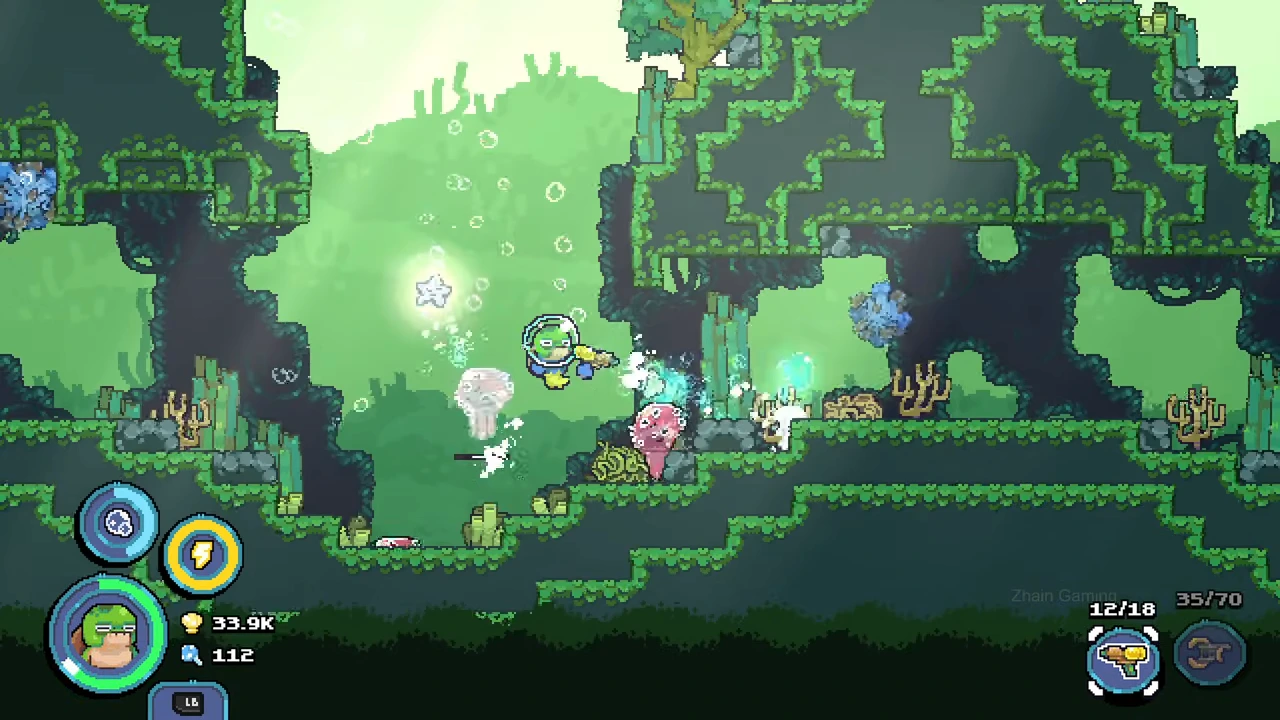
In the recorded Swamp Waters 700 m expedition, switch from the resource tool to the yellow bubble gun and aim toward the nearby jellyfish. The player fires repeatedly while target bars and pale impact effects are visible. The selected tool reads 12/18 at one point and later refills to 18/18.
Keep the tool selection and target in view through the attempt. Ammunition use and a target flash alone do not confirm how many catches were retained.
Confirm the catch when the expedition ends
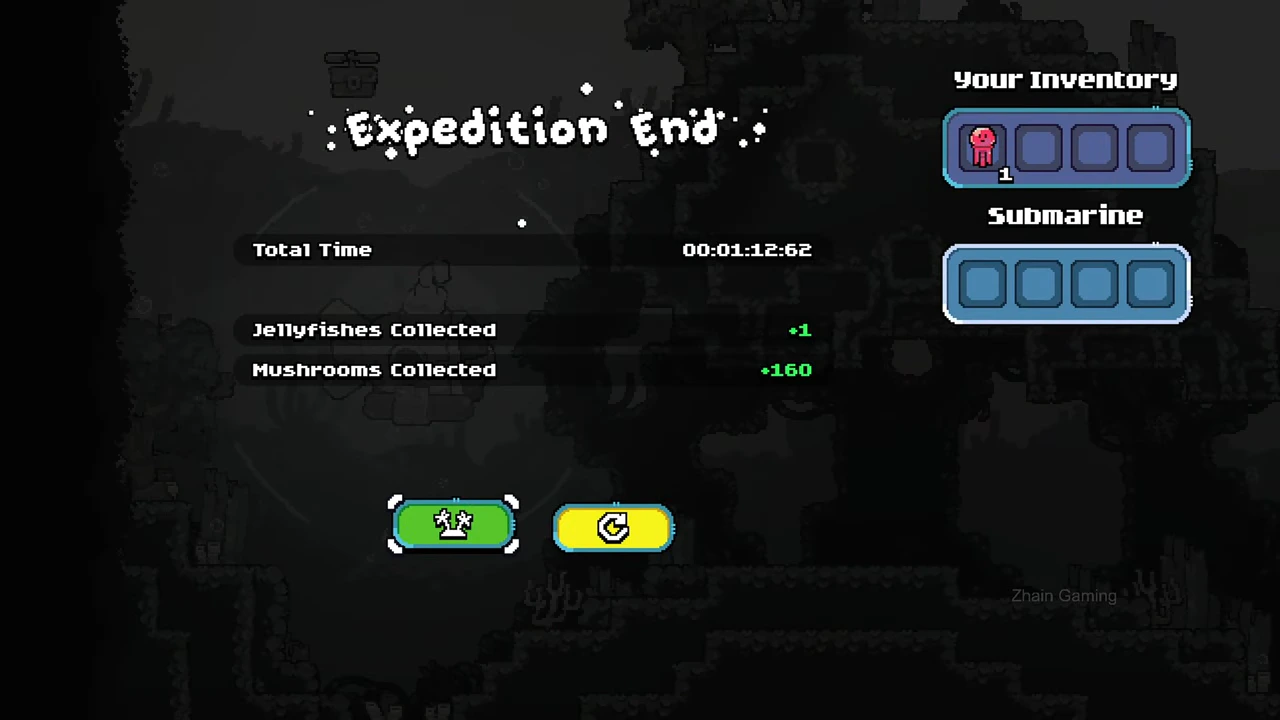
Return to the submarine area and end the trip. The settled result reads Jellyfishes Collected +1, and Your Inventory contains one red icon with count 1. That confirms one retained catch for this expedition; no particular shot is identified as the completing hit.